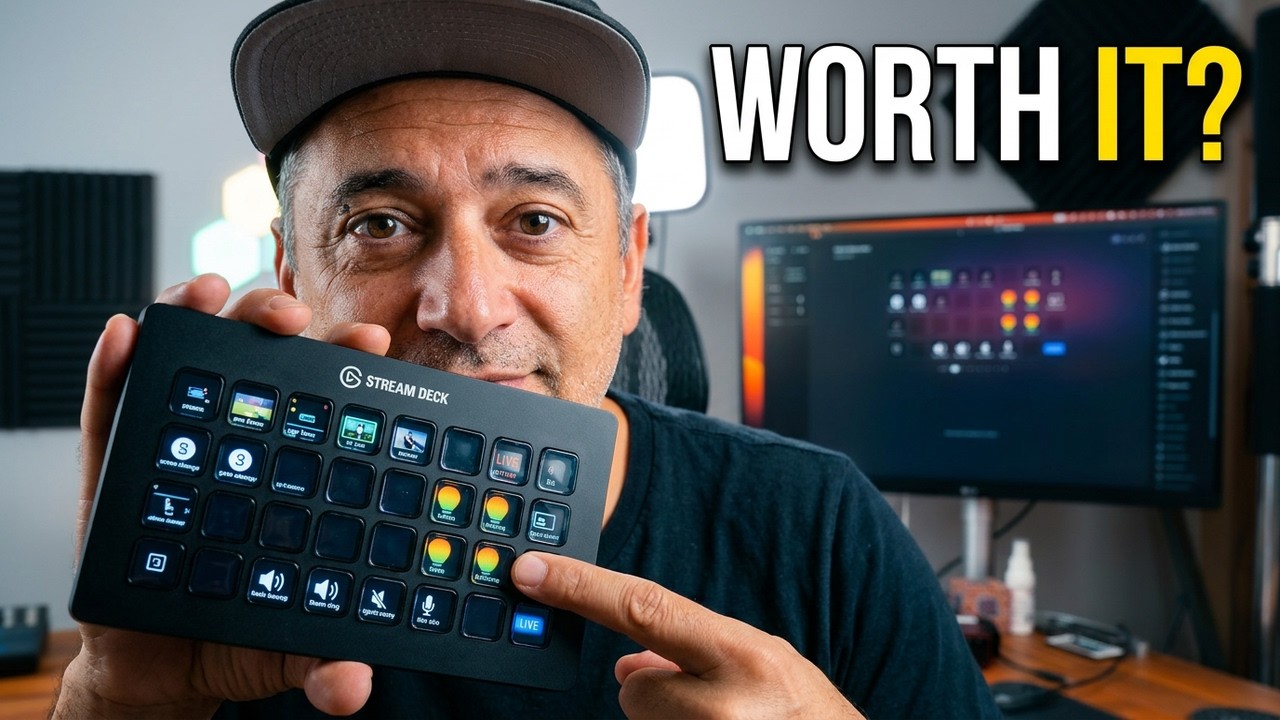
Elgato Stream Deck XL Review: This One Device Saves Hours Every Stream
This post contains affiliate links. As an Amazon Associate, we earn from qualifying purchases at no extra cost to you.
Watch Our Review
If you’ve ever juggled scene switches, muted yourself mid-sentence, or scrambled across four different apps during a live stream, the Elgato Stream Deck XL was built to fix exactly that. It’s a 32-key programmable macro controller that sits on your desk and turns complex multi-step actions into a single button press — and Seb uses it to run his entire streaming setup.
What Is the Stream Deck XL?
The Stream Deck XL is Elgato’s largest macro keypad — 32 LCD keys, each fully customizable with icons and labels, each mappable to any action you need. Switch OBS scenes, trigger sound effects, start and stop recordings, mute your mic, launch apps, control Philips Hue lights — all without touching your keyboard or mouse. It integrates with over 100 apps out of the box including OBS Studio, Ecamm Live, Twitch, YouTube, and Spotify. The XL model gives you 32 keys versus the standard 15, which means you rarely run out of buttons even with a complex multi-scene setup.
Who Should Buy This
The Stream Deck XL makes the biggest difference for streamers running complex scenes and overlays, content creators switching between multiple apps during production, and anyone operating a solo studio where they’re doing everything themselves in real time. For a creator like Seb who manages scenes, audio, captions, and alerts during a live stream without a producer, this is the difference between looking polished and looking scattered. Check today’s price on Amazon — the ROI on recovered time and on-stream confidence is immediate.
Setup and Day-to-Day Use
Plug in via USB, install the Stream Deck software, and start assigning actions. The LCD keys show you exactly what each button does at a glance, and you can organise actions into folders and profiles so you can switch between setups for streaming, recording, or editing. The XL’s size means you have room to keep your most-used actions visible at all times without digging through folders constantly.
Quick Verdict: 4.8/5
One of the best single upgrades a serious content creator can make. The time saved during live sessions, the reduction in on-stream mistakes, and the overall smoothness it adds to solo production make it worth every dollar. If you’re streaming or producing content more than twice a week, this pays for itself quickly. Grab it on Amazon here and catch the full breakdown on Seb & Mich Review on YouTube.